Toiny

Home/Toiny

About Toiny

My name is Toiny (pronounced Twa-knee) and I am the Studio site owner and a Designer at heart. I especially love creating word arts and tools to help others create. I learned photoshop from my Father-in-Law while printing alien t-shirts for the tourists in Roswell, NM. Once I touched photoshop, I never let it go. It's a creative addiction! I currently live with three-out-of-six kids, my husband & two ornery cats in the Black Forest, Germany. Or as they say in German: Der Schwarzwald. I design under the name: Schwarzwald Design at the Studio.

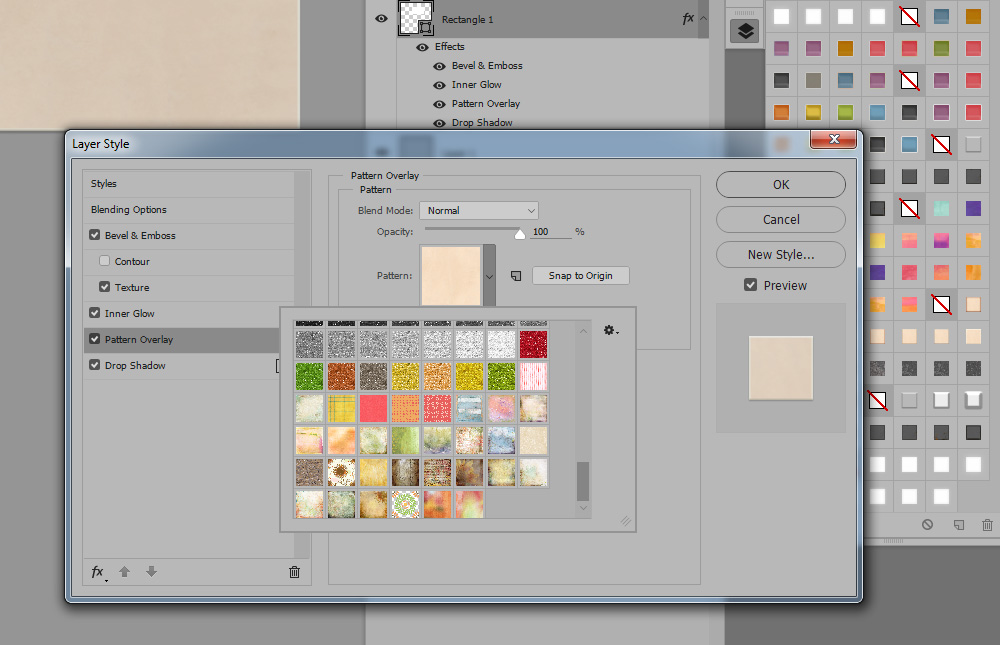
reblog: Photoshop Styles 101: Patterns

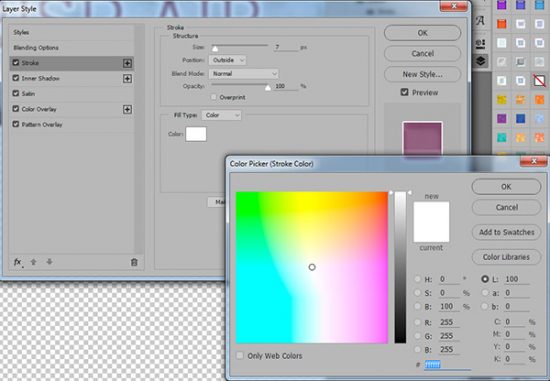
Over the past weeks, we have been exploring different Photoshop Layer Style Effects. (How to Load Layer Styles; Photoshop Styles 101: The Stroke; Photoshop Styles 101: Color Overlay); Photoshop Styles 101: Color Overlay, Part 2)

By |2018-04-03T04:58:07-04:0010 April 2018|Designer Tools & Tips, Photoshop CS+, Tutorials|0 Comments

reblog: Photoshop Styles 101: Color Overlay, Part 2

This month we are exploring Photoshop Layer Styles. (Photoshop Styles 101: The Stroke; How to Load Layer Styles; Photoshop Styles 101: Color Overlay). For this tutorial I am using Photoshop CC2015.5.

reblog: How to Load Layer Styles in Photoshop and Photoshop Elements

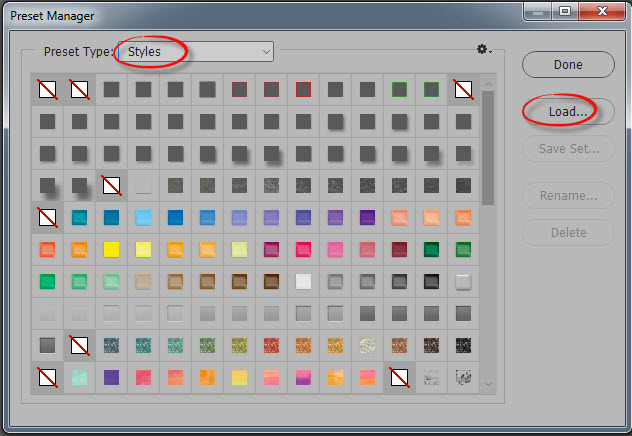
In today's tutorial, we will learn how to load Styles. This can be done in several different ways.

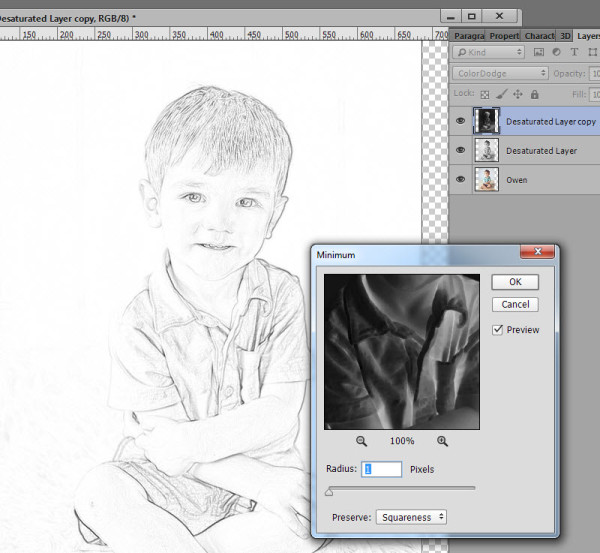
How to Create a Sketch from your Photographs

I am working in CC2015 today; however, this technique works in Adobe Photoshop Elements also. (Be sure you are working in Expert Mode in PSE). Instruction paths will be provided based upon CC2015 and PSE14.

Go to Top